

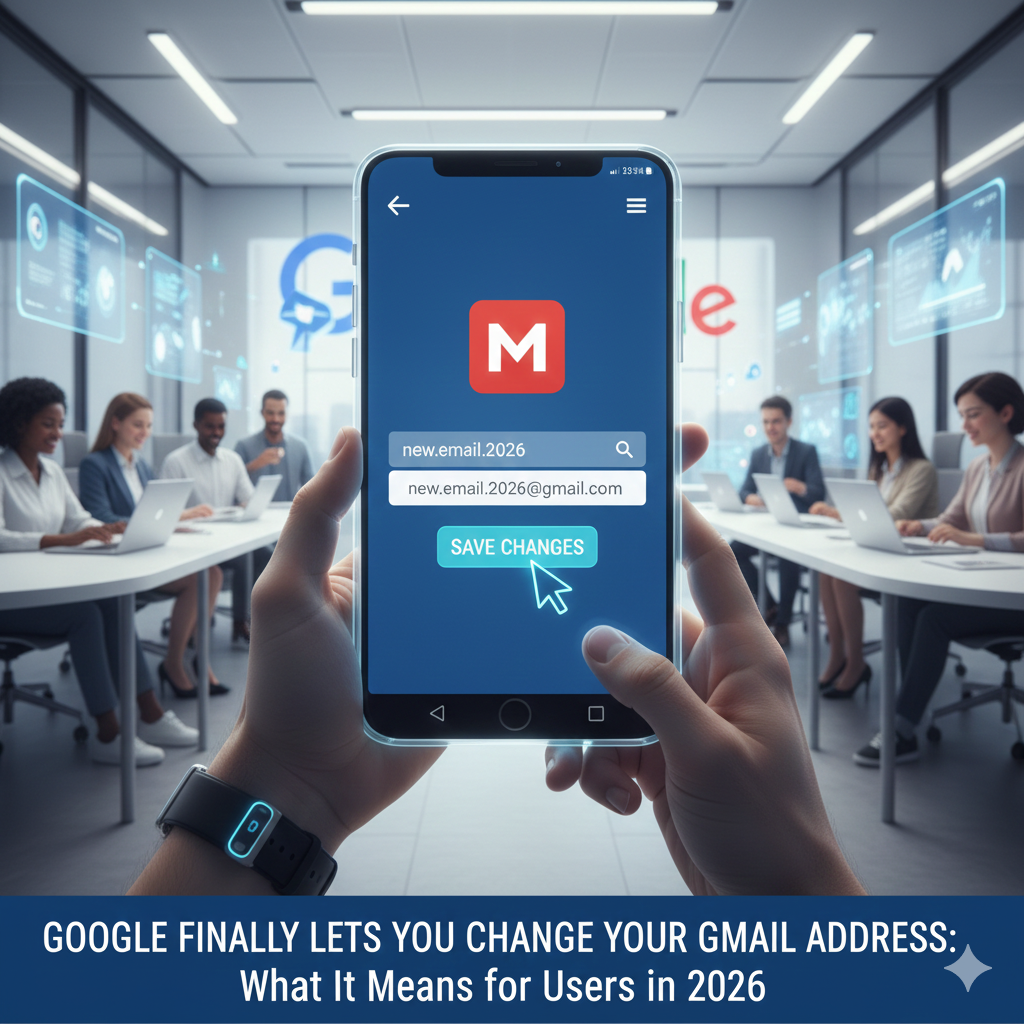
For nearly two decades, choosing a Gmail address felt like getting a tattoo. Once you picked “Sk8erBoi99” or “CoolGirl_London,” you were stuck with it for life. If you outgrew it, your only option was the nuclear one: creating a brand new account and enduring the tedious process of migrating your contacts, subscriptions, and Google Drive files.
That era of digital permanence is finally coming to an end.
In one of the most significant updates in its history, Google has announced that starting in early 2026, users will be able to change their primary Gmail address without creating a new account. This long-awaited feature addresses one of the most persistent complaints among the platform’s billions of users. Whether you’re a professional looking to shed a college nickname or someone who simply wants a fresh start without losing their digital history, this update promises to revolutionize how we manage our online identities.
This guide explores everything you need to know about this game-changing update. We’ll walk you through why this matters, how the process works, the strict limitations you need to be aware of, and how you can prepare for the rollout.
Why This Gmail Feature Matters
The inability to rename a Google account has been a thorn in the side of users for years. Unlike social media handles or display names on other platforms, your email address is often the bedrock of your digital identity. It’s your login for banking, your contact point for job applications, and the key to your smartphone ecosystem.
Stuck in the Past
Many early adopters of Gmail signed up in the mid-2000s when informal or playful usernames were the norm. As these users transitioned into professional careers, they found themselves tethered to email addresses that no longer reflected their maturity or status. “PartyAnimal2005@gmail.com” might have been funny in high school, but it doesn’t look great on a resume. Until now, the only solution was to create a “professional” account and perpetually toggle between the two.
The Migration Nightmare
Previously, getting a new email address meant starting from scratch. You had to:
- Create a new Google account.
- Manually transfer or download gigabytes of Google Drive data and Google Photos.
- Lose your YouTube watch history and playlists.
- Re-purchase apps or movies on the Play Store (since purchases aren’t transferable).
- Update your login details on hundreds of third-party websites.
This new feature eliminates that friction entirely. It allows you to rebrand yourself while keeping your digital house in order. Your emails, files, photos, and purchase history stay exactly where they are—only the name on the door changes.
How the Gmail Address Change Feature Works
Google has designed this process to be seamless but deliberate. They want to prevent abuse and confusion while giving genuine users the flexibility they need. Here is a breakdown of how the transition works based on early release notes.
Step-by-Step Process
Changing your address won’t be as simple as changing a Twitter handle, but it is straightforward if you know where to look.
- Navigate to Account Settings: You will access the feature through the “Personal Info” tab in your Google Account settings (myaccount.google.com). A new option labeled “Edit Email Address” will appear next to your primary email.
- Choose Your New Address: You’ll be prompted to enter your desired new username. As always, you can only choose an address that isn’t already taken by another user.
- Verification: To prevent unauthorized changes, Google will require multi-factor authentication (MFA) or a passkey verification to confirm it’s really you making the change.
- Confirmation and Alias Setup: Once verified, you will confirm the change. The system will then automatically set your old email address as an alias for your account (more on that below).
What Happens to Your Old Email?
This is perhaps the most critical part of the update. Google isn’t just deleting your old identity; it’s archiving it.
- Automatic Alias Creation: Your old email address (e.g., oldname@gmail.com) instantly becomes a permanent alias associated with your account.
- Seamless Forwarding: Emails sent to your old address will continue to arrive in your inbox. You won’t miss bills, newsletters, or messages from friends who haven’t updated their contact lists.
- Dual Sign-In: You can sign into your Google services (like Drive, Android, or Chrome) using either your new email or your old one. The password remains the same.
This approach solves the biggest fear of changing emails: the risk of losing contact with the outside world. It creates a safety net, allowing you to transition to your new email gradually while ensuring nothing slips through the cracks.
Rules and Limitations
With great power comes great responsibility—and a few strict rules. Google has implemented guardrails to ensure that email addresses remain stable and reliable identifiers. You won’t be able to change your email address on a whim every week.
Frequency Caps
The most significant limitation is the frequency cap. Users are limited to one address change every 12 months. This prevents confusion among your contacts and stops bad actors from constantly shifting identities to evade spam filters or blocks. If you make a typo or decide you don’t like your new handle, you will be stuck with it for a full year.
Lifetime Limits
In addition to the annual cap, there is a lifetime limit of 3 changes per account. This underscores Google’s philosophy: this feature is for major life transitions (marriage, career change, rebranding), not for casual customization. You need to choose wisely.
Retention Period
Once you change your address, you cannot delete the new address or revert to the old one as your primary identifier for a specific “cooldown” period (likely 30-90 days). This prevents accidental lockouts and gives the system time to propagate the change across all Google services.
Regional Rollout
While the feature is slated for 2026, it won’t hit every device simultaneously. It will likely roll out gradually, starting in select regions (often the US and UK first) before expanding globally. Enterprise users (Google Workspace) may have different rules set by their administrators.
Benefits for Users
The implications of this update extend far beyond just vanity. It offers tangible benefits for personal branding, data security, and digital hygiene.
Professionalism and Branding
The primary driver for this change is professionalism. As the gig economy grows and remote work becomes standard, your email address is often your first impression.
- Career Growth: A user named “SurferDude88” can finally graduate to “Firstname.Lastname” without losing fifteen years of emails.
- Freelancing: Creative professionals can align their email with their current portfolio or business name.
- Reclaiming Identity: For people who have undergone gender transitions or name changes due to marriage or divorce, this feature allows their digital identity to align with their legal and personal one.
Data Preservation
The biggest technical benefit is the preservation of your ecosystem.
- Google Drive & Photos: You no longer need to figure out how to move 500GB of family photos to a new account.
- YouTube History: Your subscriptions, playlists, and algorithm recommendations remain intact.
- Android Purchases: Your library of apps, games, movies, and books stays with you. This alone saves users potentially hundreds or thousands of dollars in lost content.
Convenience and Flexibility
Managing multiple Google accounts is messy. You forget which one has the file you need, or you accidentally save a contact to the wrong account. By allowing a rename, Google encourages users to maintain a single, robust account. It simplifies your digital life, reducing the mental load of remembering multiple passwords and login parameters.
Potential Drawbacks
While the update is overwhelmingly positive, there are potential downsides and risks to consider before you hit “save.”
Confusion with Old Aliases
While your old email becomes an alias, your “Send As” settings might need manual adjustment. If you forget to update your default “Send mail as” setting, you might accidentally continue sending emails from your old address, confusing recipients who thought you had switched.
The “Primary” Identity Risk
Over time, you might forget which address is technically your primary one versus your alias. While you can sign in with both, some third-party apps using “Sign in with Google” might only recognize the current primary address. This could temporarily break integrations with apps like Spotify, Slack, or Trello until you re-authenticate.
The Scarcity of Good Names
If you think it’s hard to find a good username now, wait until millions of existing users try to change theirs simultaneously. The rush to grab “Firstname.Lastname” combinations will be intense. If you have a common name, you might still be forced to add numbers or periods to your new handle, limiting the “clean slate” appeal.
FAQs (SEO-Focused)
Can I change my Gmail address more than once a year?
No. Google strictly limits changes to once every 12 months. This policy is designed to maintain system stability and prevent abuse. Ensure you check your spelling and are completely happy with your new handle before confirming.
Will my emails still arrive at my old address?
Yes. Your old email address automatically becomes an alias for your account. Any email sent to your old address will land in your main inbox, just as it always has. You do not need to set up manual forwarding rules.
Does changing my Gmail address affect Google Drive or YouTube?
No. One of the main benefits of this feature is that all your data remains untouched. Your Google Drive files, Google Photos, YouTube subscriptions, and Play Store purchases stay exactly where they are. You simply access them under a new name.
Is this feature available globally in 2026?
Google typically rolls out major features in phases. While the update is scheduled for 2026, it may appear in North America and Europe before reaching other regions. Check your Google Account settings periodically to see if the option is available to you.
A New Era for Google Accounts
The ability to change your Gmail address is more than just a technical update; it’s a recognition that our digital lives evolve. We are not the same people we were when we signed up for Gmail in 2010, and our email addresses should reflect who we are today.
By allowing users to modernize their online identity without sacrificing their history, Google is solving a massive pain point. It offers the best of both worlds: the fresh start of a new name with the comfort and continuity of an established account. Whether you are correcting a youthful mistake, rebranding for a new career, or simply ready for a change, this update ensures your Google account can finally grow up with you.
As 2026 approaches, start thinking about your new handle now. When the feature goes live, the race for the best usernames will be on.
Leave a Reply